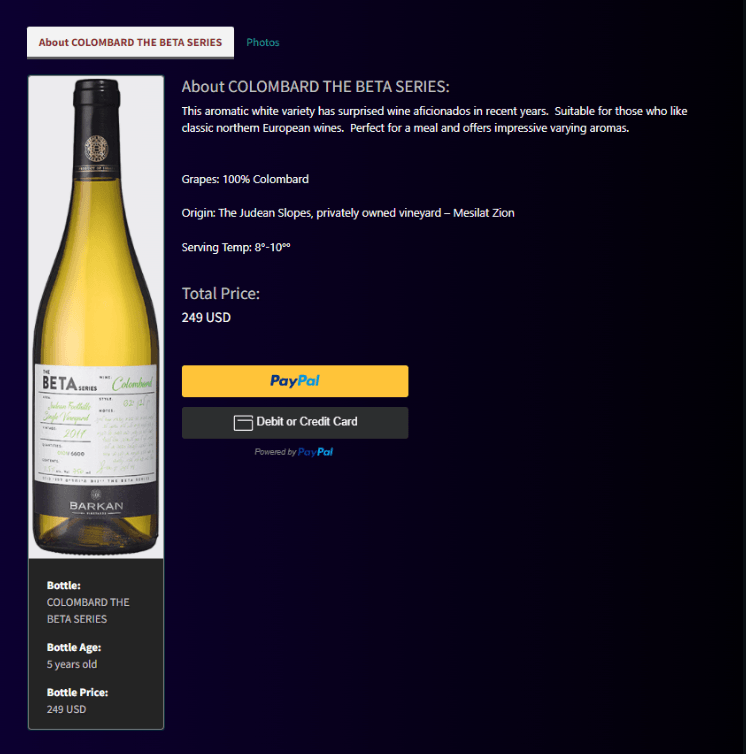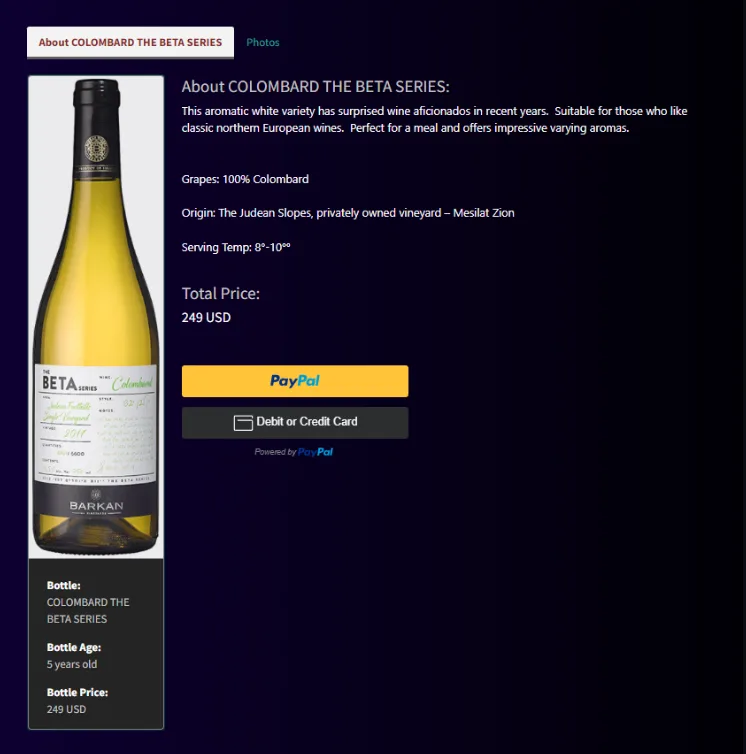
Wine Store SPA
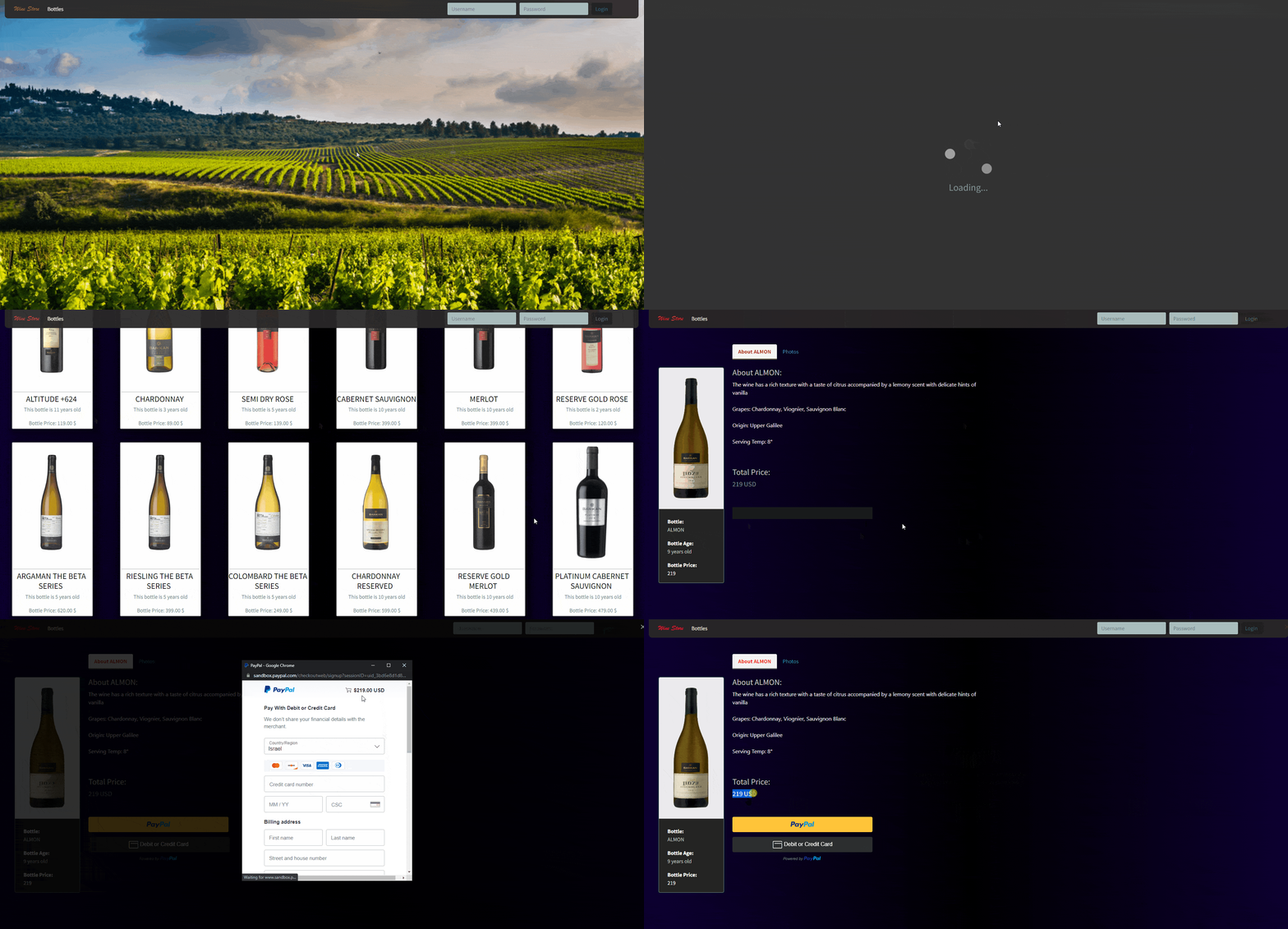
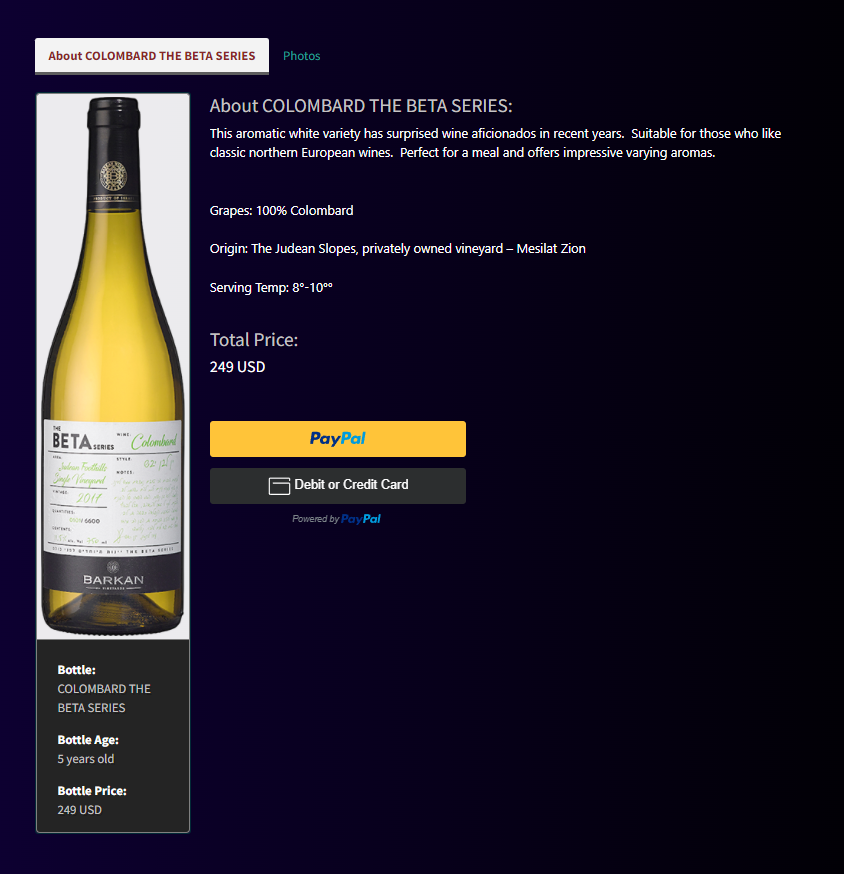
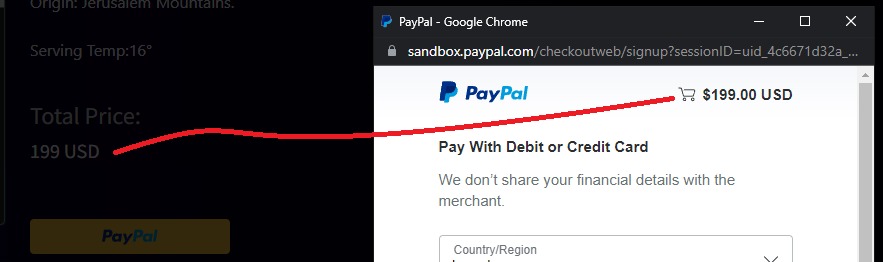
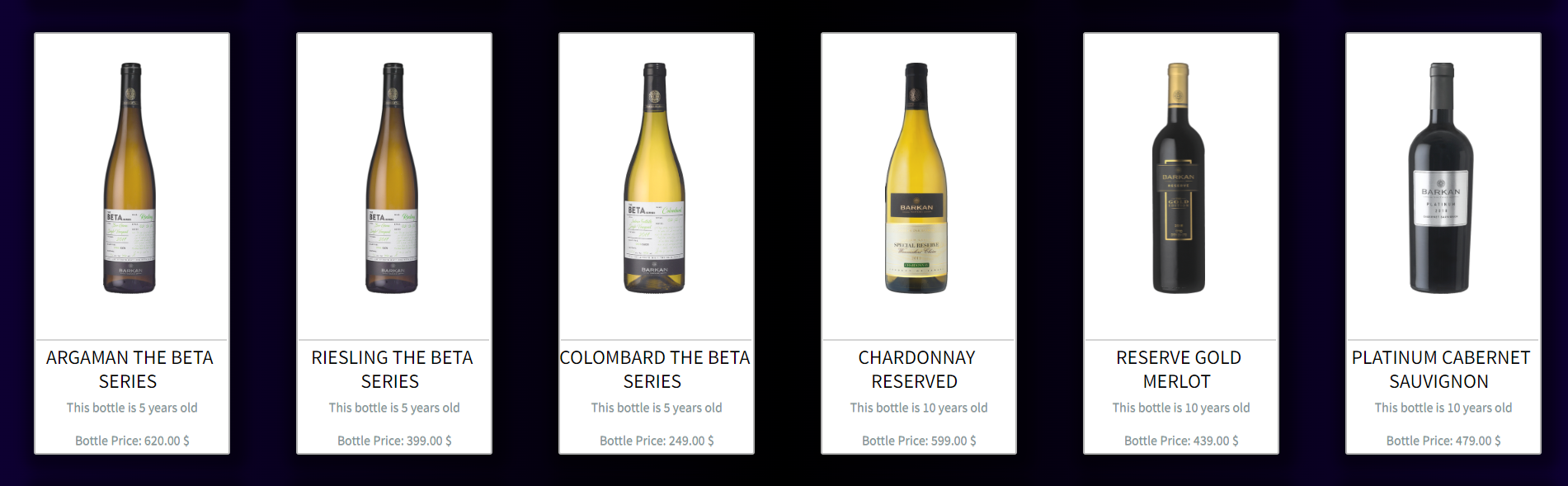
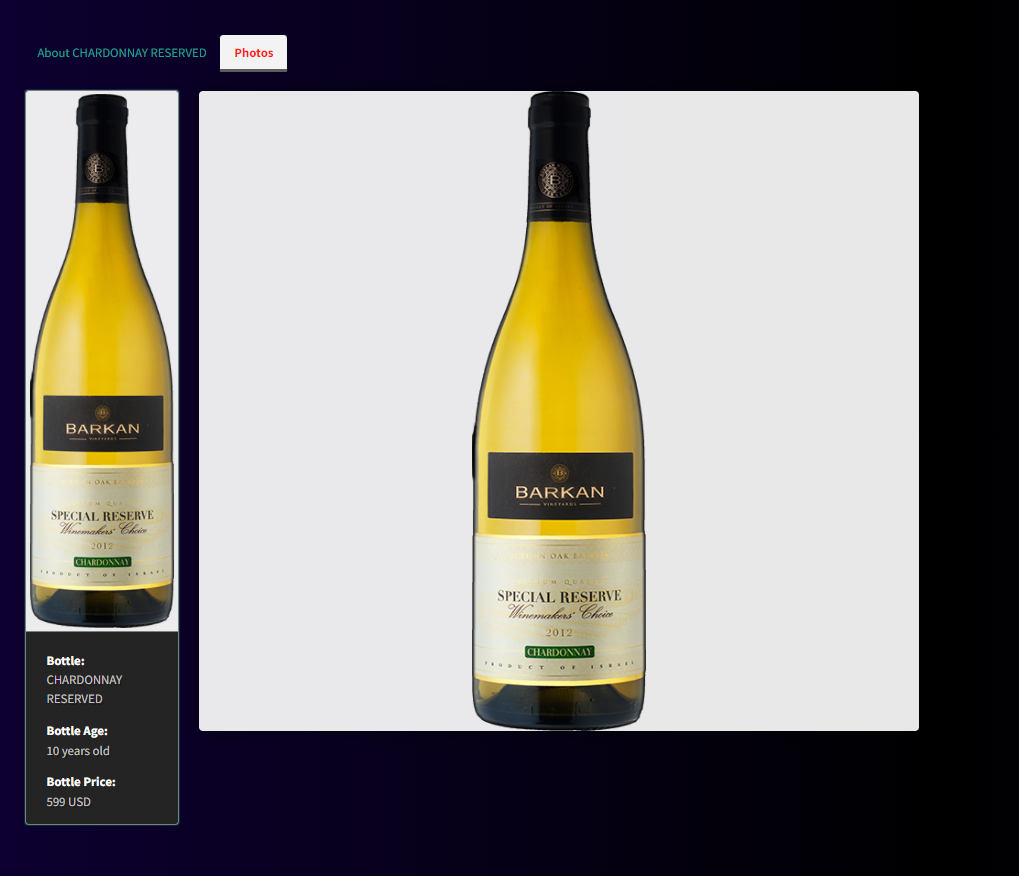
A wine store web app concept where you can view all bottles and purchase any bottle via PayPal payments.
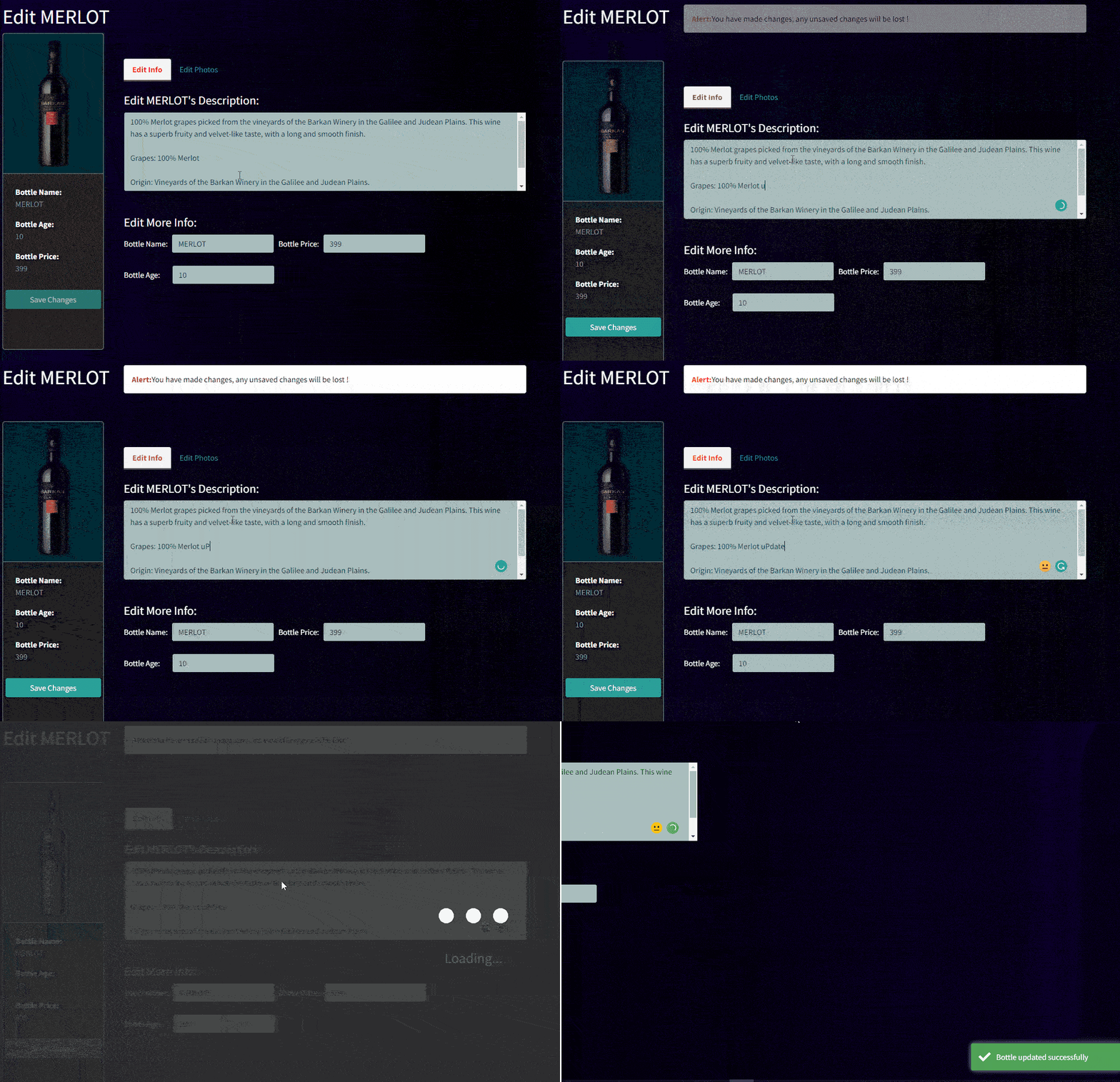
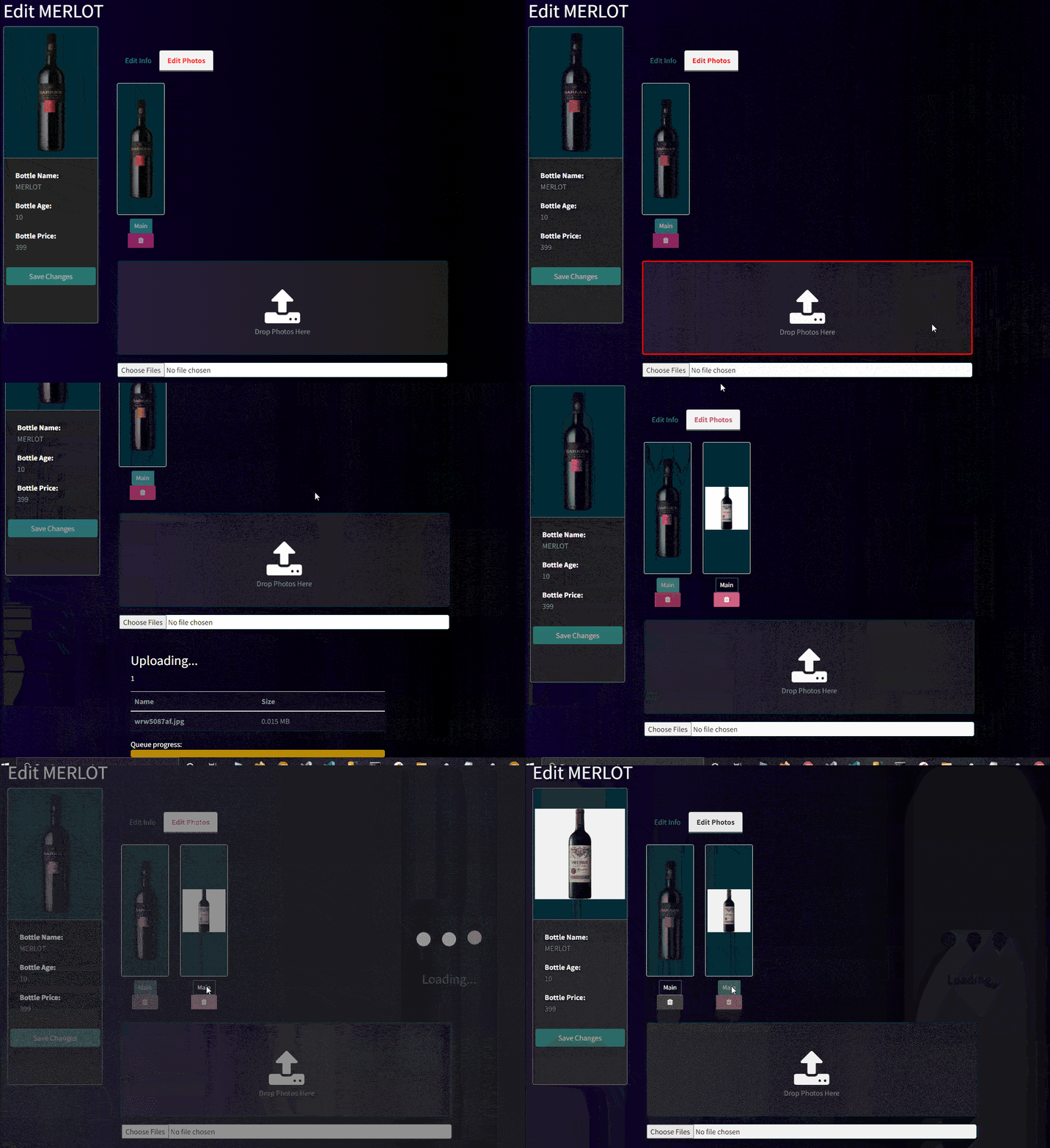
You can change any bottles description, vintage(age), name, price and image.
You can also add a new bottle.
Technologies Used:
| Front-End | Angular, HTML5, CSS3, Bootstrap |
| Back-End | ASP.NET Core Web API |
| Object-Relational Mapping | Entity Framework Core |
| Database | SQLite |
| Miscellaneous | PayPal Payments, CloudinaryDotNet |
Deployment Instructions
First cd client and run npm i. After installed run the following:
npm i bootstrap bootswatch ngx-bootstrap ngx-spinner ngx-toastr ngx-tabset ng2-file-upload @kolkov/ngx-gallery creditcardpayments font-awesome rxjs cors
While you are in the client folder, run in terminal ng serve.
Open a new terminal and cd API, while in API folder run in terminal dotnet watch run.
If build succeeded, you can now open any browser and navigate to https://localhost:4200.
Edit Bottle
You can edit any bottle by logging in with the Username being the bottle name and Password as declared in AccountController

Add Bottle
You can add a bottle by editing queryWineBottles.sql.
Make sure you are editing both queries properly. Note that AppUserId in Photos table should be the Id of the bottle you want to add the image to.
Mark both queries → right click → Run Query.
If configured correctly, the new bottle should appear in the app.
Images
Screenshot