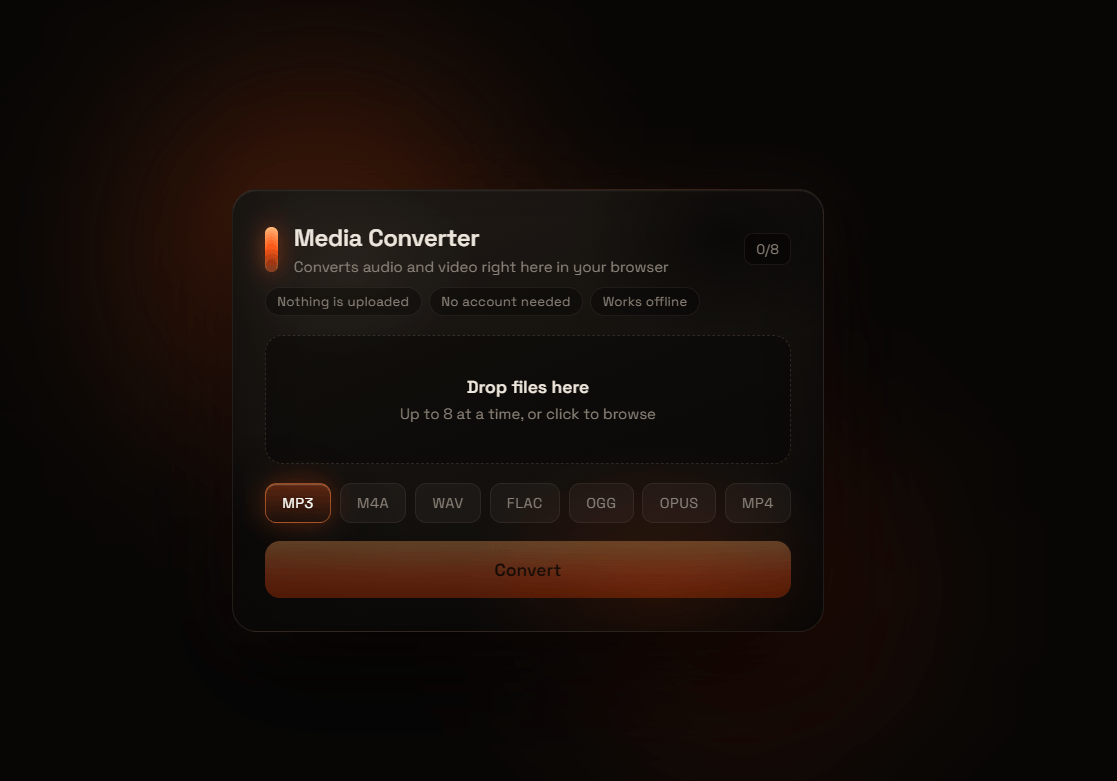
Media Converter
A browser-based audio and video converter. Files are processed locally by an ffmpeg build compiled to WebAssembly, so nothing is ever uploaded to a server.
Why
Most online converters ask you to upload your files to someone else’s machine. This one doesn’t. There is no backend, no account, and no request leaves the page once the app has loaded. After the first visit it works offline.
Features
- Convert between MP3, M4A, WAV, FLAC, OGG, Opus and MP4
- Queue up to 8 files and convert them in one pass
- Drag and drop, or browse
- Per-file progress and per-file error reporting
- Runs entirely in a Web Worker, so the UI stays responsive during long conversions
Supported outputs
| Target | Codec | Settings |
|---|---|---|
| MP3 | libmp3lame | 192 kbps |
| M4A | aac | 192 kbps |
| WAV | pcm_s16le | uncompressed |
| FLAC | flac | lossless |
| OGG | libvorbis | quality 5 |
| Opus | libopus | 128 kbps |
| MP4 | libx264 + aac | CRF 26, ultrafast preset |
Input is anything the bundled ffmpeg build can decode, which covers most common audio and video containers.
How it works
scripts/copy-ffmpeg.mjscopies the ESM build of@ffmpeg/corefromnode_modulesintopublic/ffmpeg, then checks the file actually carries its default export. A wrong build fails the script rather than reaching the browser.src/ffmpeg-worker.jsruns as a module worker. On the first conversion it imports the core, hands it an explicitlocateFileso the wasm path is never guessed, and wires up the log and progress callbacks.src/App.jsxtalks to the worker over a small id-based request and response protocol. Each file is written to the in-memory filesystem, converted, read back, and handed to the page as an object URL.
Files are converted one at a time on purpose. The single-threaded core has one wasm heap, so running two conversions concurrently against the same instance corrupts its state.